
Your cart
Your cart is empty
Continue shoppingDrawer menu

A slicer is the software that turns your 3D model (an STL file) into instructions your printer understands (a GCODE file), cutting the object into layers and adding settings like temperature and speed. The most popular are Ultimaker Cura, PrusaSlicer, and IdeaMaker — all free — with SuperSlicer, KISSlicer, and Simplify3D rounding out the options.
You've connected your printer to the network, levelled it and loaded the filament. But how do you send your 3D file so the printer can understand it? This is where slicers come in. Below we walk through the most widely used options.
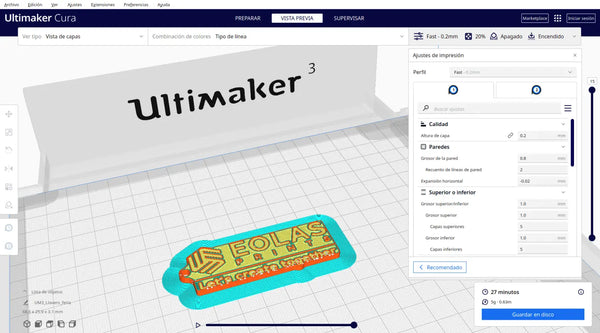
Developed by Ultimaker, a Dutch 3D printer manufacturer, this software is the most popular of all those proposed. It is free and open source, and can be integrated into CAD software such as Autodesk Inventor and SolidWorks to help with workflow.
Cura is perfect for Ultimaker users, because it has a multitude of settings configured for a multitude of materials. Not only can we find printers from this manufacturer, there are a lot of machines preconfigured for this software. Also, for those with less experience, there is an option to limit the parameters, which makes it much easier to use.
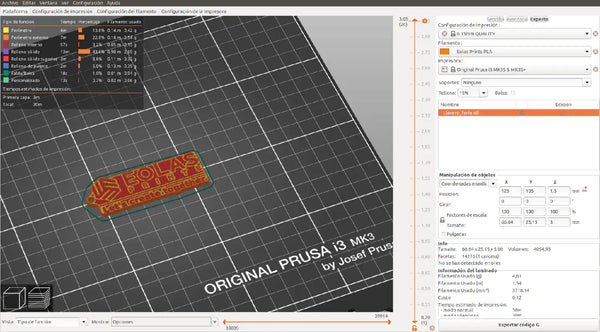
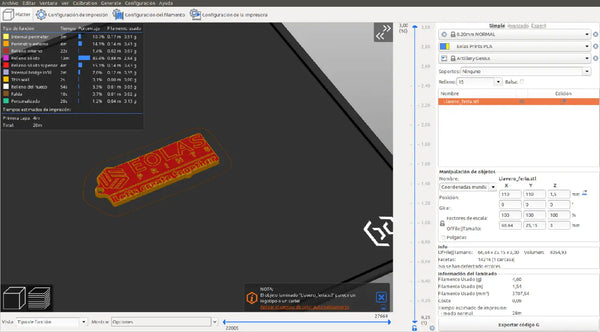
Developed by the renowned 3D printer manufacturer Prusa Research. This software is free, open source and is constantly being updated and developed. To help less experienced users or those who do not want to complicate things, this slicer is divided into 3 levels (simple, advanced and expert). In each of these levels you can find more and more parameters to learn them all little by little.
This software includes pre-configured profiles for your machines, ensuring correct printing without changing any parameters. In addition to Prusa printers, there are more and more printers preconfigured in this firmware, as well as a large number of new materials that are expanded with each update.
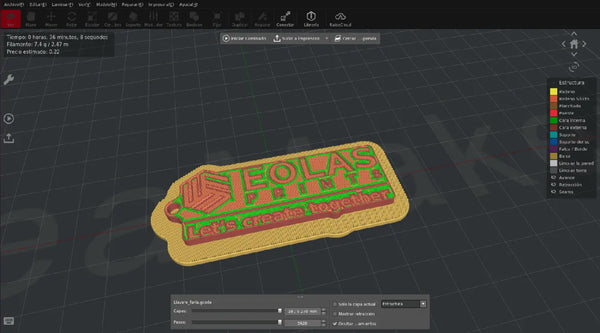
Developed by 3D printer manufacturer Raise3D. Like Cura or PrusaSlicer, this firmware is not exclusive to Raise3D printers, but is compatible with third-party printers.
This software is free and allows the user to configure parameters such as placing custom supports, and also includes some innovative options such as applying textures to the parts using a high-contrast image.
Another of the functionalities of this slicer is the synchronisation with RaiseCloud, with which you can monitor and manage the 3D printing processes.
You can download the software here. See our guide to importing Eolas Prints profiles into ideaMaker.
This software is based on PrusaSlicer, which in turn is based on Slic3r. The word SUPER is added due to the multitude of configuration options and new features that are added. This slicer is free, open source and is constantly being updated and developed.
What makes this slicer special are its unique features such as: "Only one perimeter on Top surfaces" (improves the surface finish of parts) or "Brim Ears" (adds brim only where needed).
KISSlicer, an acronym for Keep It Simple Slicer, is software very oriented to the experienced user as it focuses mainly on the more technical aspects of 3D printing.
It has several versions: the free version is limited to a single extruder, while paid PRO and premium licences add multi-extruder support and additional parameters. Check the official site for current pricing and tiers.
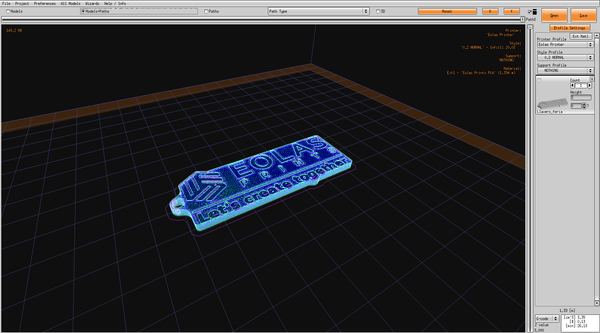
Simplify3D is one of the best options for advanced users when it comes to slicer software. It has a high level of parameter control and excellent processing speed.
One of the main features of this software is that you can manually edit the supports and you can add or remove them as you wish, as well as choose different settings for different regions of the model.
Simplify3D supports a wide range of 3D printers, both commercial and self-assembled and self-designed. It is said to be the slicer that supports the most printers on the market.
Simplify3D is a paid, one-time-purchase slicer; see the official site for current pricing. You can download it here.
A slicer is software that converts a 3D model (STL) into machine instructions (GCODE). It divides the model into horizontal layers and adds print settings such as temperature, speed, infill, and supports, so your printer knows exactly how to build the object.
Ultimaker Cura and PrusaSlicer are the best starting points. Both are free, widely supported, and offer a simplified mode that hides advanced settings until you need them. PrusaSlicer's simple/advanced/expert levels make it easy to grow into.
Yes. Cura, PrusaSlicer, IdeaMaker, and SuperSlicer are all free and open source. KISSlicer and Simplify3D are paid (KISSlicer has a limited free tier). Most users never need to pay for a slicer.
No — our filaments work in any slicer. For convenience we publish ready-made profiles for Cura, PrusaSlicer, ideaMaker, and Bambu Studio, so you can load tested settings in a couple of clicks.
About the author
Sergio Peciña is a qualified Electrical & Electronics Engineer and Eolas Prints' Technical Design Engineer, with over 10 years of experience in 3D printing. He founded the maker spaces at the University of La Rioja and IDIVAL Santander. Every Eolas Prints filament is manufactured in-house in Cantabria, Spain, to ISO 9001 and ISO 14001 standards.
We publish tested print profiles for the most popular slicers: Cura, PrusaSlicer, ideaMaker, and Bambu Studio. Shop our ISO-certified filament made in Spain.


